Access/Register
To log in or register for an account, go to the Dashboard.
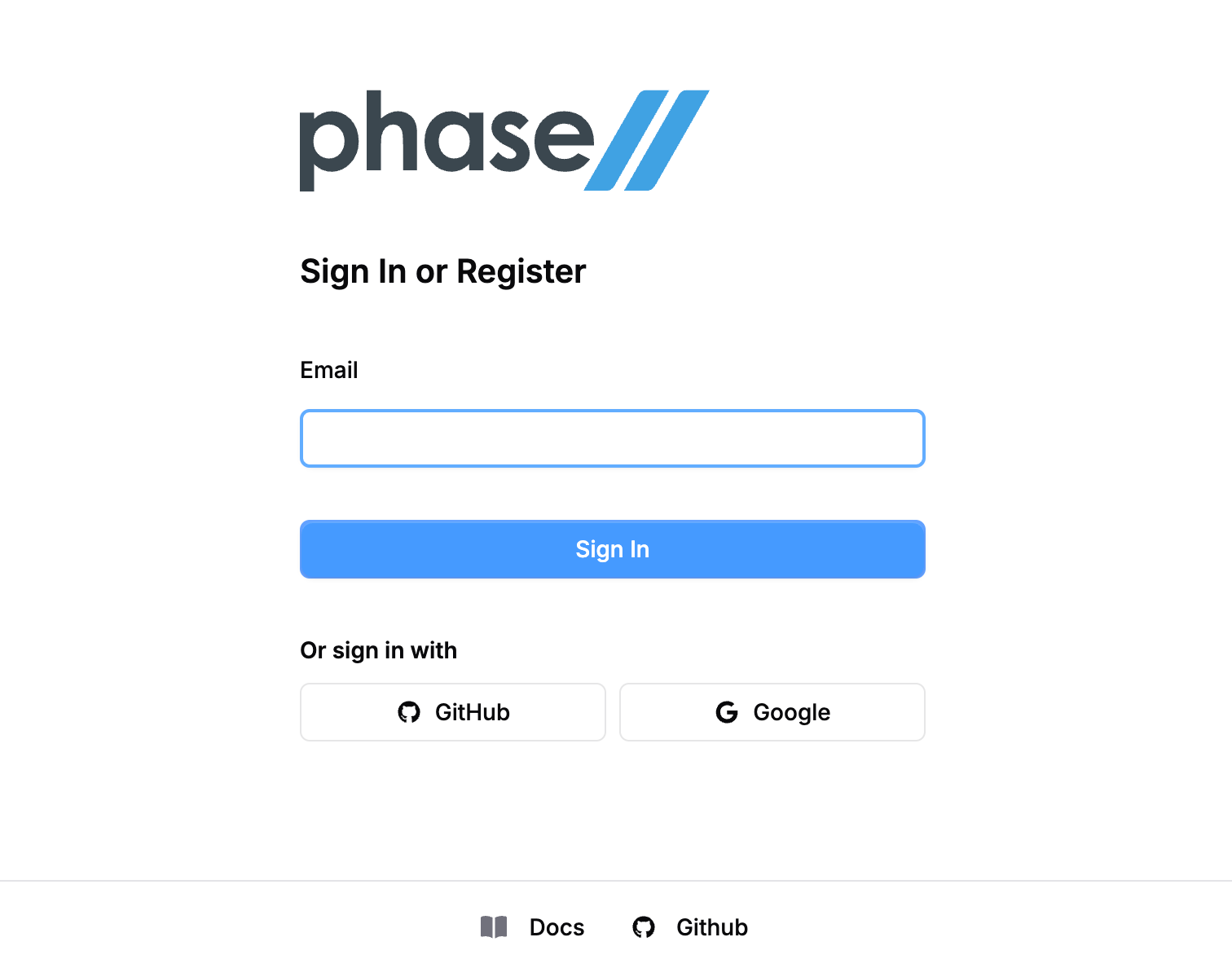
Enter an email or sign in with one of the provided SSO providers. The pathways this can take are:
- If you are already registered with email, you will be sent a magic link to your email. No password is stored.
- If you are already registered with email and then choose an SSO provider you will login via the SSO provider then be given the chance to link the two methods.
- If you are not registered with email you will be sent a magic link to your email to register and login. We automatically create your user when you provide an email that is not in our system.
- If you are part of an organization and your email domain is associated with that team, you will be sent to your team's IdP to finish login.

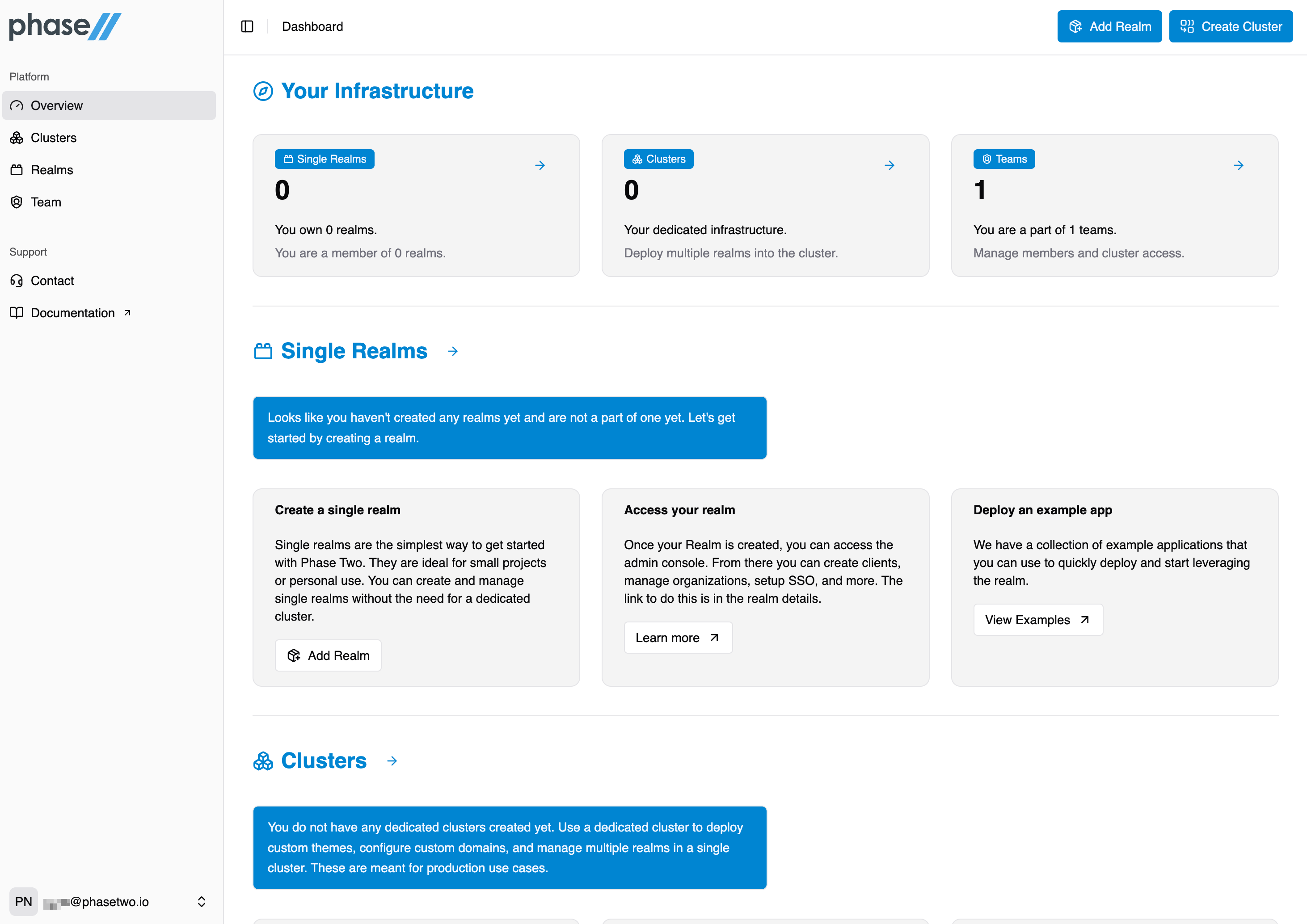
After you log in, you will see the Overview page, a starting point for your clusters, realms, and teams. See Dashboard Overview for a tour.