Create a Cluster
Creating a cluster can be done through our Dash self-service tool, or by contacting Phase Two for assistance.
Starting cluster creation
Creating a new cluster can be started in a couple of ways:
- Visit the create cluster link directly.
- From the Overview page or the Clusters page, click Create Cluster in the top right.
Choosing a tier
Dedicated clusters are available in three tiers. For custom requirements (multi-region, on-prem, custom DPA, or higher limits) you should message our team to discus further.
| Tier | Best for | Concurrent sessions | Uptime SLA | Notes |
|---|---|---|---|---|
| Starter | New projects and small teams moving to production | Up to 1,000 | 99% | Includes a 30-day free trial. Monthly billing only. |
| Premium | Growing products with real traffic | Up to 10,000 | 99.5% | Monthly or annual billing. |
| Enterprise | High-scale products needing priority support | Up to 50,000 | 99.9% | Monthly or annual billing. |
All tiers run on isolated, high-availability infrastructure and include the core Keycloak + Phase Two feature set, custom domains, and theming. For current pricing and the full feature-by-feature breakdown, see the Pricing page or open Detailed comparison in the create flow.
Billing period
Use the monthly / annual toggle to choose your billing period. Premium and Enterprise offer a discounted annual rate; Starter is monthly only. The summary on the right reflects your selection before checkout.
Cluster details
After selecting a tier, provide the cluster details:
- Region — where the cluster runs.
- Organization — the owning organization (you must have the
manage-clustersrole in it). - Name — a unique identifier for the cluster (letters, numbers, dashes, and underscores).
- Domain — optionally, a custom domain you wish to use. You can also configure this later.
Checkout and the Starter trial
Once you have entered the required information, you will be sent to Stripe, our payment partner, to set up your billing account and payment method.
For the Starter tier, a 30-day free trial is applied automatically at checkout — you will not be charged during the trial, and billing begins when it ends. The trial is available once per customer.
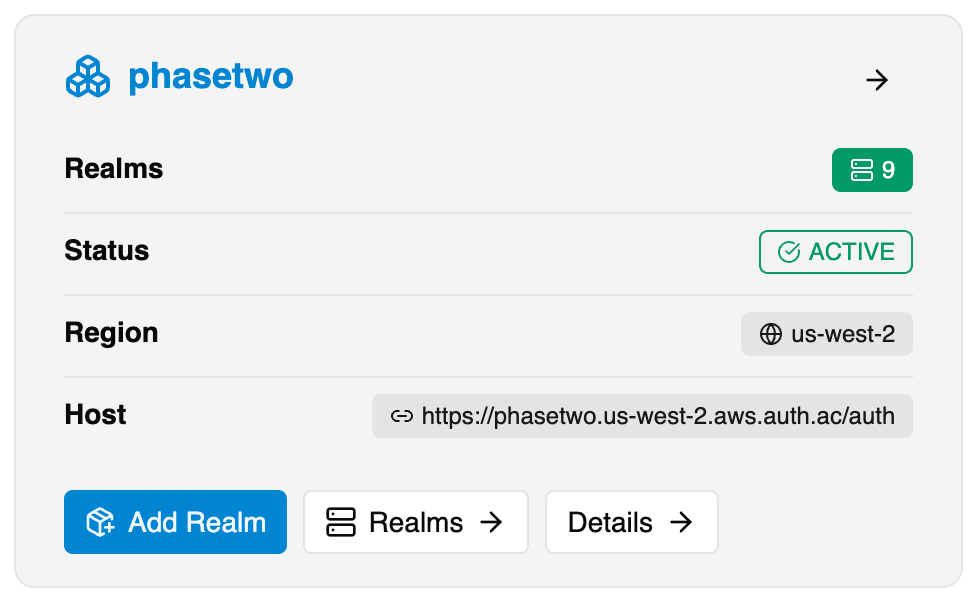
Following successful billing setup, you will be returned to the Clusters view while your cluster is provisioned. This is usually fast, but can take longer in some cases. You will be notified by email and in the Clusters view when the cluster is live. If there is any issue during set-up, the Phase Two team will reach out to you directly.