Username-Password
Username-password authentication is part of the default browser flow. If you select this flow from the Flows tab, you will see the steps that make up the flow.
Steps
The first step, Cookie, sends users who already have an active session back to the application without a login challenge.
Kerberos is disabled by default and can be ignored unless you use Kerberos.
Identity Provider Redirector is used when your application sends the user to log in with the kc_idp_hint parameter. Use it when you store the association between a user and their identity provider outside of Keycloak, and want to send the user straight to that identity provider.
Realms created on recent Keycloak versions may also have an Organization sub-flow at this point. It belongs to Keycloak's built-in Organizations feature and has no effect unless that feature is turned on for the realm. Phase Two's own Organizations extension uses its own discovery steps instead.
The forms sub-flow contains the Username Password Form, followed by the Browser - Conditional 2FA sub-flow, which asks for a second factor, such as an OTP code, from users who have one set up.

Login UI
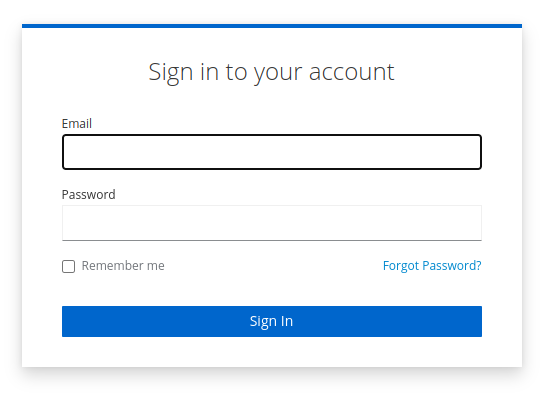
When testing the default authentication flow, you will be presented with a simple form. Note that the appearance of Remember me and Forgot password elements are conditional on how you have set up your Realm. Additionally, you may have already customized your login style, which may lead to different styling.